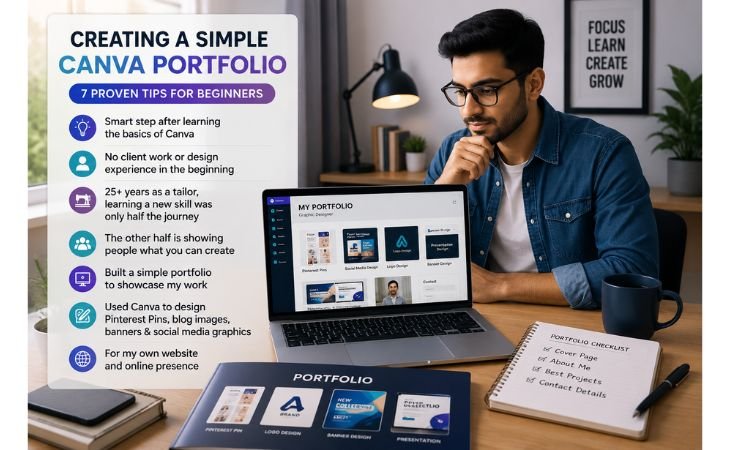
Creating a Simple Canva Portfolio is one of the smartest steps beginners can take after learning the basics of Canva.
When I first started learning digital skills, I didn’t have any client work or professional graphic design experience.
After spending more than 25 years as a tailor, I realized that learning a new skill was only half the journey.
The other half was showing people what I could create. That’s when I understood the importance of building a simple portfolio.
Using Canva, I started designing Pinterest Pins, blog featured images, banners, and social media graphics for my own website.
Those small projects became my first portfolio pieces and helped me gain confidence with every new design.
In this guide, you’ll learn how to create a simple Canva portfolio that showcases your skills, looks professional, and helps you prepare for future freelance opportunities.
What Is a Canva Portfolio?
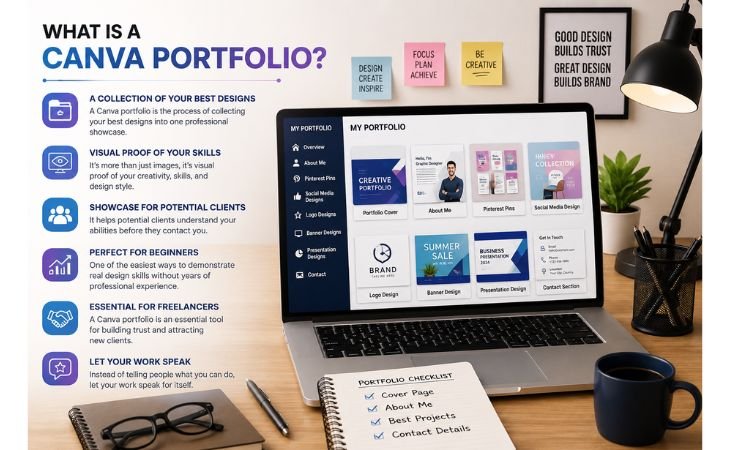
Creating a Simple Canva Portfolio is the process of collecting your best Canva designs into one professional showcase that highlights your creativity, skills, and design style.
A portfolio is more than just a collection of images, it is visual proof of what you can create.
Whether you design Pinterest Pins, social media graphics, logos, banners, presentations, or marketing materials, your portfolio helps potential clients understand your abilities before they contact you.
For beginners, a simple Canva portfolio is one of the easiest ways to demonstrate real design skills without needing years of professional experience.
For freelancers, a Canva portfolio is an essential tool for building trust and attracting new clients.
Instead of telling people what you can do, you let your work speak for itself.
A well-organized portfolio makes your Fiverr profile, personal website, LinkedIn profile, or other freelance platforms look more professional and credible.
Even if you have never worked with a paying client, you can create sample projects that reflect your creativity and attention to detail.
A strong portfolio gives potential clients confidence in your skills and increases your chances of winning freelance opportunities.
Why Every Beginner Needs a Portfolio
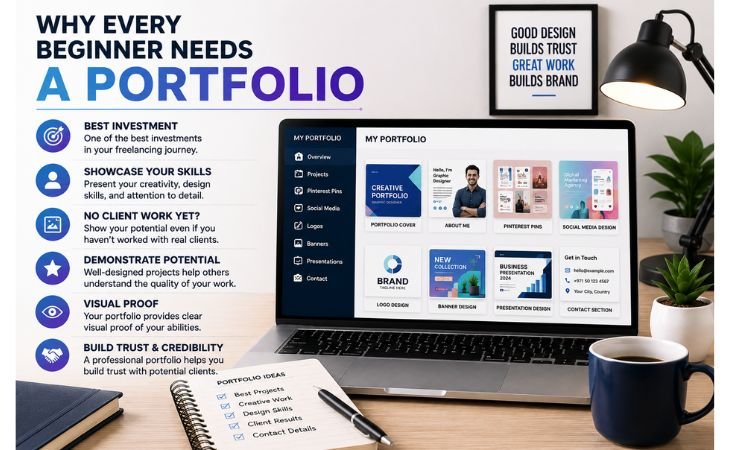
Creating a Simple Canva Portfolio is one of the best investments beginners can make in their freelancing journey.
Many new designers believe they need years of experience before showing their work, but that’s not true.
A portfolio allows you to present your creativity, design skills, and attention to detail, even if you haven’t worked with real clients yet.
Well-designed sample projects can demonstrate your potential and help others understand the quality of your work.
Instead of explaining what you can do, your portfolio provides clear visual proof of your abilities.
A professional Canva portfolio also helps you build trust and credibility with potential clients.
Whether someone visits your Fiverr profile, personal website, LinkedIn page, or social media, a strong portfolio creates a positive first impression and makes you appear more confident and reliable.
It highlights your best projects, showcases your creative skills, and increases your chances of winning freelance opportunities.
As your experience grows, you can continue updating your portfolio with new designs, making it a valuable asset that supports your long-term professional growth.
What Designs Should You Include?
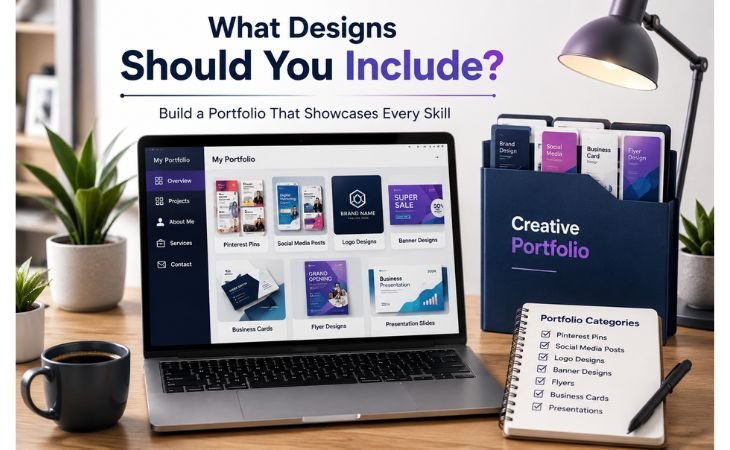
Creating a Simple Canva Portfolio becomes more effective when you include a variety of design projects that showcase your creativity and versatility.
Instead of filling your portfolio with similar designs, choose samples that highlight different skills and demonstrate the type of work you can offer to future clients.
A balanced portfolio gives potential clients a clear understanding of your design abilities and helps you stand out from other beginners.
Even if your projects are practice designs, make sure they are clean, professional, and represent your best work.
A beginner-friendly Canva portfolio can include Pinterest Pins, social media posts, logo designs, banner designs, flyers, business cards, and presentation slides.
These design samples cover many of the most popular freelance services requested by businesses, bloggers, and content creators.
As you continue learning Canva, replace older projects with better ones to keep your portfolio fresh and up to date.
A small collection of high-quality designs will always create a stronger impression than a large portfolio filled with average work.
How to Organize Your Portfolio
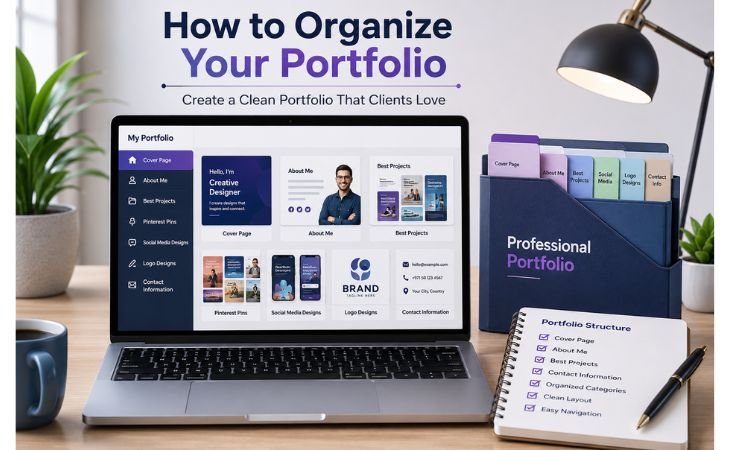
Creating a Simple Canva Portfolio is not only about adding beautiful designs, it’s also about presenting them in a clear and professional way.
A well-organized portfolio is easier to explore and leaves a stronger impression on potential clients.
Start with a clean cover page that includes your name or personal brand and a simple title such as “Design Portfolio.”
Next, add a short About Me section where you introduce yourself, explain your design interests, and mention the services you offer.
Keep your introduction friendly, concise, and focused on the value you can provide.
After your introduction, showcase your best projects instead of every design you have ever created.
Organize similar designs together, such as Pinterest Pins, social media graphics, logos, banners, or presentations, so visitors can quickly understand your skills.
Finally, end your portfolio with clear contact information, including your email address, website, LinkedIn profile, or other professional contact details.
A clean structure makes your Canva portfolio look more polished, improves the user experience, and gives potential clients confidence to reach out for future projects.
Tips for Creating a Professional Portfolio
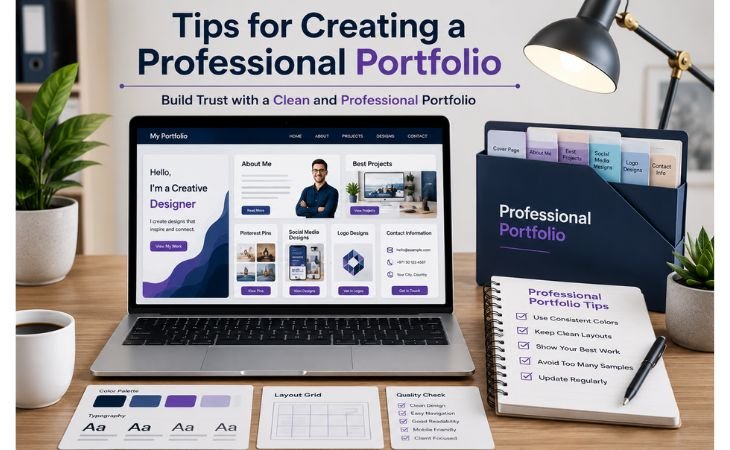
Creating a Simple Canva Portfolio is not just about collecting your designs, it is about presenting them in a way that builds trust and leaves a lasting impression.
A professional portfolio should be clean, organized, and focused on quality rather than quantity. Every page should reflect your creativity, attention to detail, and personal style.
Whether you are creating a portfolio for Fiverr, your personal website, LinkedIn, or future freelance clients, following a few simple best practices can make a significant difference.
Use Consistent Colors and Clean Layouts
Choose a consistent color palette, readable fonts, and a clean layout throughout your portfolio.
A consistent visual style makes your portfolio look polished and professional while helping visitors focus on your work instead of unnecessary distractions.
Good spacing, proper alignment, and simple design choices also improve readability and create a better viewing experience.
Showcase Your Best Work
Always include your strongest design projects instead of every sample you create.
High-quality Pinterest Pins, social media graphics, logo designs, banner designs, presentations, and business cards demonstrate your skills more effectively than a large collection of average work.
A carefully selected portfolio reflects your abilities and helps potential clients understand the value you can provide.
Avoid Too Many Samples and Keep Updating
A professional portfolio should stay focused and easy to browse.
Adding too many similar projects can overwhelm visitors and reduce the impact of your best work.
Instead, update your portfolio regularly by replacing older designs with newer, higher-quality projects.
Keeping your Canva portfolio fresh shows continuous improvement, strengthens your professional image, and increases your chances of attracting new freelance opportunities.
My Personal Experience
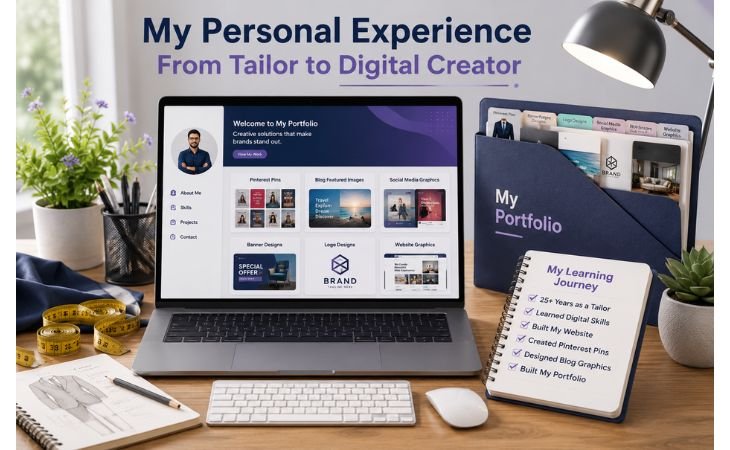
Creating a Simple Canva Portfolio became much easier when I stopped waiting for client work and started creating designs for my own projects.
After spending more than 25 years as a tailor, I decided to learn digital skills and build my own website.
Instead of waiting for someone to hire me, I designed Pinterest Pins, blog featured images, banners, and social media graphics for my website.
Every new design helped me understand Canva better and gave me more confidence to improve my creative skills.
As my website and Pinterest content grew, I realized I already had real design examples that could become part of my portfolio.
I carefully selected my best projects and used them to showcase my progress instead of creating random sample designs.
This approach not only improved my Canva skills but also gave me a professional portfolio that reflected my actual work.
My experience taught me that you do not need dozens of clients to build a strong portfolio.
Sometimes, the projects you create for yourself are enough to demonstrate your abilities and prepare you for future freelance opportunities
Common Portfolio Mistakes
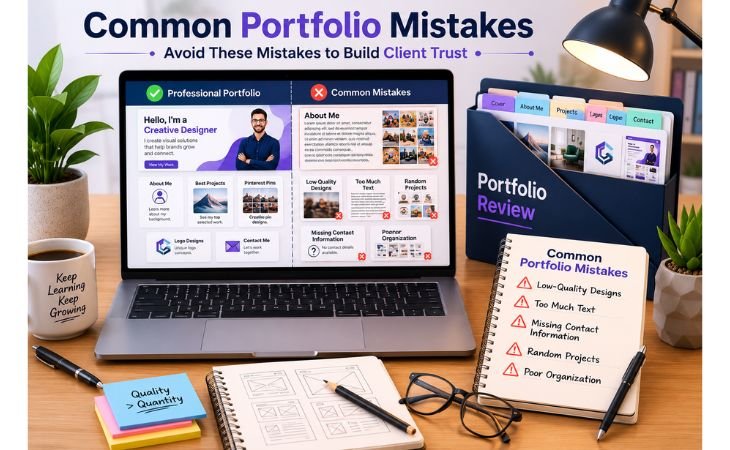
Creating a Simple Canva Portfolio becomes much more effective when you avoid the mistakes that many beginners make.
Your portfolio should make it easy for potential clients to understand your skills and trust your work.
One of the biggest mistakes is using low-quality designs that no longer represent your current abilities.
Another common issue is adding too much text, which takes attention away from your visual work.
A professional portfolio should always be clean, simple, and focused on your best designs.
Many beginners also forget to include their contact information, making it difficult for clients to reach them.
Adding random projects without a clear style or organizing designs in a confusing order can also reduce the overall quality of your portfolio.
Instead, choose your strongest work, organize similar projects together, and update your portfolio regularly as your skills improve.
A well-structured Canva portfolio creates a strong first impression, builds client trust, and gives you a better chance of winning freelance opportunities.
Final Thoughts
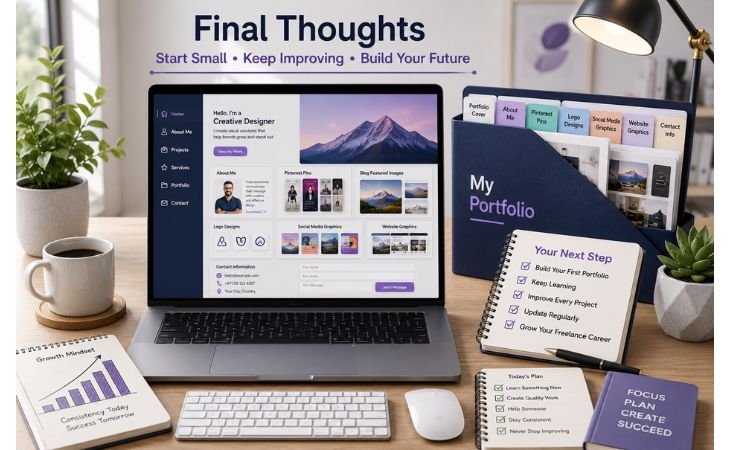
Creating a Simple Canva Portfolio is one of the best steps you can take if you want to grow your design skills and prepare for freelancing.
You do not need dozens of projects or years of experience to get started.
Even if your portfolio includes only five high-quality designs, it can still show your creativity, attention to detail, and willingness to learn.
Every professional designer started somewhere, and your first portfolio is the beginning of your own journey.
Keep improving your Canva skills, replace older projects with better ones, and update your portfolio as you gain more experience.
Over time, your portfolio will become stronger and reflect your growth as a designer.
The most important thing is to start today instead of waiting for the perfect moment.
If you are also planning to build your own professional website to showcase your portfolio and attract more clients, explore my WordPress Website Design Services.
Ready to Showcase Your Portfolio Online?
If you want a professional website to display your Canva portfolio and attract more freelance clients, explore my WordPress Website Design Services.
I’ll help you create a modern, mobile-friendly website that builds trust and highlights your work professionally.
Canva Design School, Beginner Guides, Design Tips, and Official Learning Resources.
Pingback: Small Business Website: Stop Losing Customers Today
Pingback: Social Media Design Packages: 7 Powerful Tips