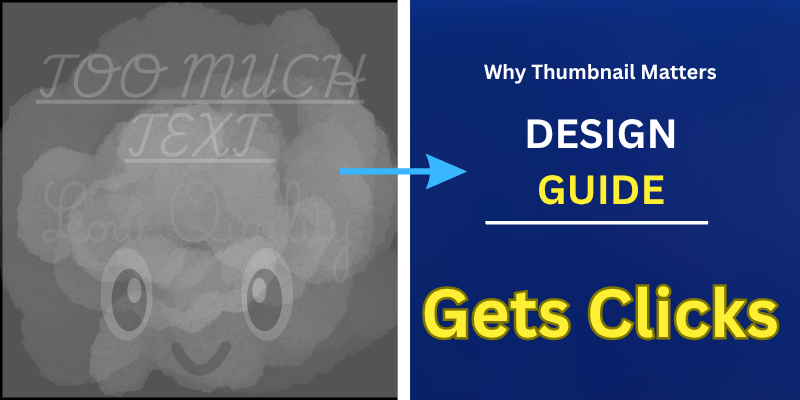
Fiverr gig thumbnail design has become more important than ever as Fiverr continues to grow more competitive.
Every day, new sellers join the platform, and many of them offer similar services.
This means that even if your service is useful and your skills are real, buyers may still ignore your gig if it does not catch their attention quickly.
In most cases, the first thing people notice is not your full description or your experience. It is your gig thumbnail.
A Fiverr gig thumbnail plays a major role in getting clicks. It helps buyers form a first impression in just a few seconds.
If the design looks clear, professional, and easy to understand, people are more likely to stop, look at your gig, and open it.
But if the thumbnail looks confusing, crowded, or weak, many buyers will scroll past without giving your service a chance.
The good news is that you do not need advanced design skills to create a strong thumbnail.
With Canva, beginners can design clean and attractive Fiverr gig images in a simple way.
In this step-by-step guide, you will learn how to create a Fiverr gig thumbnail in Canva, what mistakes to avoid, and how to make your design more clickable for better results.
Why Fiverr Gig Thumbnails Matter
Fiverr gig thumbnails are the first thing buyers notice when they scroll through search results.
Before they read your description or check your experience, they quickly judge your gig based on how your thumbnail looks.
In most cases, buyers make their decision within a few seconds, which means your design must immediately catch attention and clearly communicate your service.
A strong and well-designed Fiverr gig thumbnail can significantly improve your click-through rate.
When your thumbnail looks clean, professional, and easy to understand, people are more likely to stop, click, and explore your gig.
On the other hand, if the design looks crowded or confusing, buyers will simply move on to the next option.
This is why focusing on Fiverr gig image design is not just about appearance, it is directly connected to your results.
A better thumbnail leads to more clicks, and more clicks increase your chances of getting orders and growing on Fiverr.
Before Designing a Fiverr Thumbnail in Canva
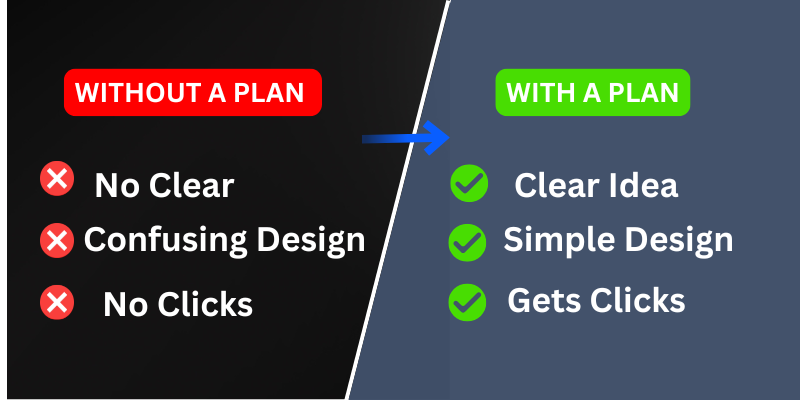
Fiverr gig thumbnail design becomes much easier when you prepare a few basic things before opening Canva.
Many beginners jump straight into designing without a clear idea, which often leads to confusing and ineffective thumbnails.
A simple plan can save time and help you create a clean, focused design that actually works.
First, your Fiverr gig idea should be clear.
You need to understand exactly what service you are offering and what problem you are solving for the buyer.
This clarity helps you design a thumbnail that communicates your message instantly.
Without a clear idea, even a good-looking design may fail to attract the right audience.
Next, think about your text. Keep it simple and direct.
Decide what short message you want to show on your thumbnail, such as “Fiverr Gig Design” or “Professional Thumbnail.”
Avoid adding too many words, because a strong thumbnail focuses on one clear message that is easy to read.
Finally, make a basic decision about colors and style.
Choose simple color combinations that create contrast and make your text stand out.
A clean and consistent style helps your design look more professional.
When you combine clarity, simple text, and a balanced design approach, your Canva Fiverr thumbnail will be more effective and more clickable.
Fiverr Gig Thumbnail in Canv
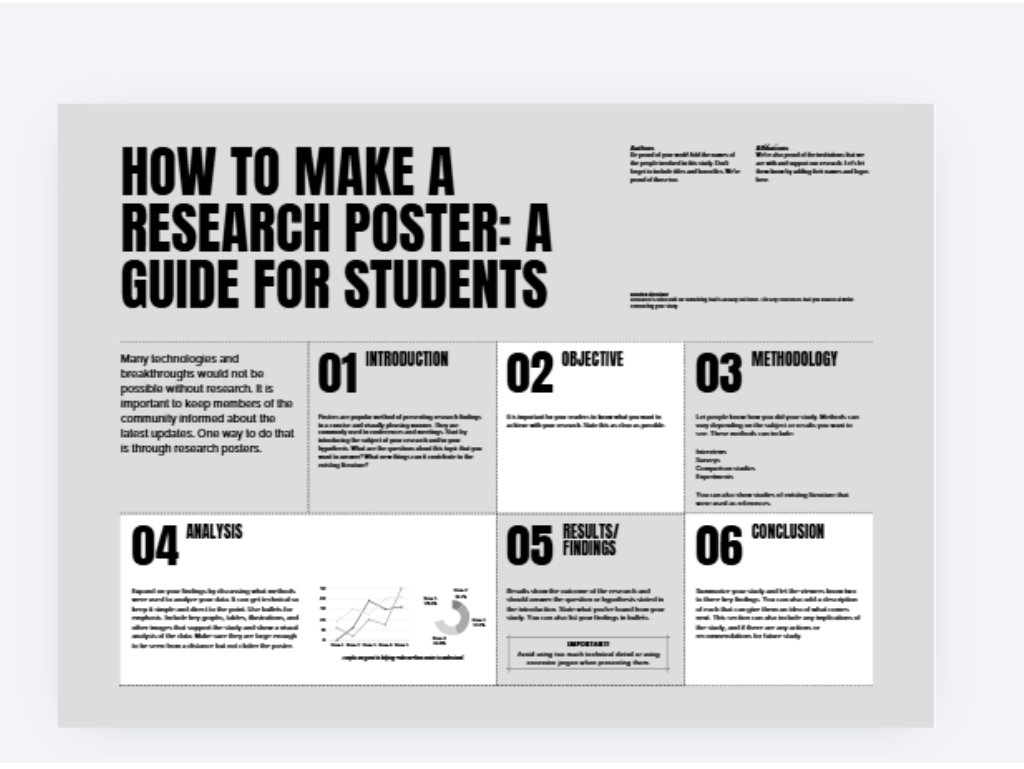
Fiverr gig thumbnail design becomes simple and effective when you follow a clear step-by-step process.
Many beginners feel confused when they open Canva for the first time, but the truth is you do not need advanced skills.
By focusing on a few basic steps, you can create a clean, professional, and clickable design that attracts buyers.
Step 1 ▪ Open Canva and Set the Right Size
Start by opening Canva and creating a custom design.
The recommended Fiverr gig image size is 1280 × 769 pixels. Setting the correct size from the beginning ensures your thumbnail looks sharp and properly aligned on Fiverr.
This small step makes a big difference in how professional your design appears.
Step 2 ▪ Choose a Clean Background
Select a simple and clean background that matches your service.
Avoid overly busy or distracting designs.
A solid color, soft gradient, or slightly blurred background works best.
The goal is to keep the focus on your message, not the background.
A clean layout always performs better in Fiverr gig image design.
Step 3 ▪ Add Clear and Bold Text
Your text should be easy to read, even on a small screen.
Use bold fonts and keep your message short, such as “Gig Thumbnail Design” or “Canva Expert.”
Avoid adding too many words.
A strong Fiverr gig thumbnail communicates one clear idea, not multiple confusing messages.
Step 4 ▪ Add Icons or Shapes for Support
Use simple icons, shapes, or design elements to support your message.
For example, you can add arrows, highlights, or small icons related to your service.
These elements help guide the viewer’s attention and make your thumbnail more visually appealing without making it messy.
Step 5 ▪ Adjust Colors and Spacing
Finally, adjust your colors and spacing to improve clarity.
Make sure there is enough contrast between text and background so everything is easy to read.
Keep proper spacing between elements to avoid a crowded look.
A balanced layout gives your Canva Fiverr thumbnail a clean and professional feel.
Common Beginner Mistakes to Avoid
Fiverr gig thumbnail design often goes wrong when beginners ignore a few simple design rules.
Even with good intentions, small mistakes can make your thumbnail look unprofessional and reduce your chances of getting clicks.
Understanding these common issues can help you improve your design quickly and create a more effective result.
One of the biggest mistakes is adding too much text.
A Fiverr gig thumbnail should communicate one clear message, not multiple ideas.
When you overload the design with text, it becomes difficult to read, especially on mobile screens. Keep your message short, bold, and focused.
Another common problem is using low contrast colors.
If your text blends into the background, buyers will not be able to read it easily.
A strong Fiverr gig image design always uses clear contrast between text and background to improve visibility and make the message stand out.
Many beginners also create messy layouts by adding too many elements, icons, or colors.
This makes the design look unorganized and confusing. A clean and simple layout is always more powerful and professional.
Finally, relying on copy-paste templates without customization is a mistake.
While Canva templates are helpful, using them without editing makes your design look generic.
To create a strong Canva Fiverr thumbnail, always adjust the template to match your service, message, and style.
Simple Tips for Better Results
Fiverr gig thumbnail design can deliver better results when you follow a few simple but powerful principles.
You do not need complex designs to stand out.
In fact, the most effective thumbnails are often the simplest ones.
Start by using fewer words and larger text.
A clear and bold message is easier to read, especially on mobile devices.
Your thumbnail should communicate one idea instantly, not multiple confusing points.
This is a key factor in improving your Fiverr gig image design.
Next, focus on a single clear message.
When buyers look at your thumbnail, they should immediately understand what service you are offering. Avoid mixing different ideas in one design.
Keep your layout clean and organized.
A simple design with proper spacing always looks more professional than a crowded one.
Consistency is also important.
When you maintain a similar style, color scheme, and layout across your gigs, it builds trust and makes your profile look more reliable.
A well-structured Canva Fiverr thumbnail can significantly improve your click-through rate over time.
Conclusion
Fiverr gig thumbnail design is not just about making your gig look attractive, it is a key factor in getting clicks, building trust, and increasing your chances of receiving orders.
Even a simple design can perform well if it is clear, focused, and easy to understand.
The most important thing is consistency.
As you continue to create and improve your thumbnails, your designs will naturally become better.
Small improvements over time can lead to stronger results and more visibility on Fiverr.
If you want a professional and eye-catching Fiverr gig thumbnail that is designed to attract clicks and improve your results, you can check my Fiverr service and get a custom design made for your gig.
Pingback: How to Create Pinterest Pins in Canva (Easy Guide)