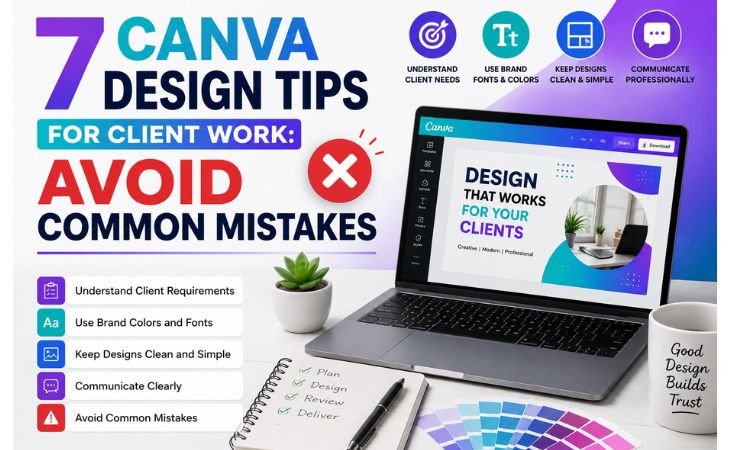
Canva Design Tips for Client Work are different from creating designs just for practice or learning.
When you design for yourself, you have the freedom to experiment with colors, fonts, and layouts.
However, client work requires a more professional approach.
Every design should match the client’s brand, communicate the right message, and achieve a specific goal.
A professional design process helps you understand client requirements, avoid unnecessary revisions, and deliver high-quality work on time.
Whether you are designing social media posts, Pinterest Pins, presentations, or marketing materials, following the right workflow builds trust and increases client satisfaction.
In this lesson, you will learn practical Canva design tips that will help you create professional designs for real client projects with confidence.
Understand Your Client’s Requirements
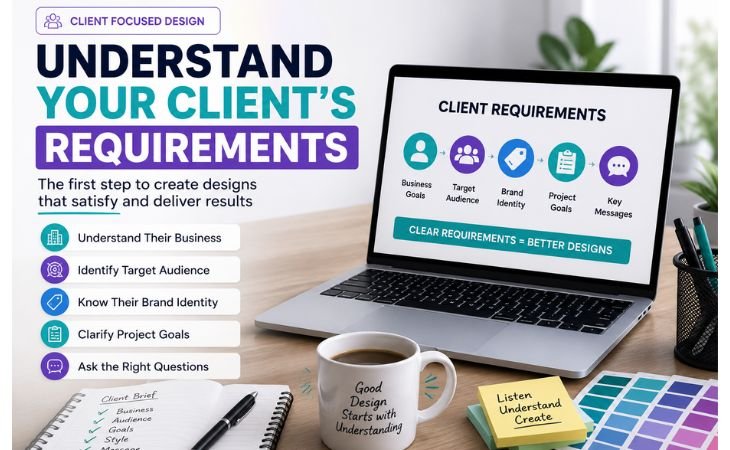
Canva Design Tips for Client Work always start with understanding your client’s requirements.
Before you create any design, you need to know exactly what the client wants to achieve.
A professional designer never makes assumptions.
Instead, they take time to understand the client’s business, target audience, brand identity, and project goals.
When you clearly understand these details, it becomes much easier to create designs that match the client’s expectations, reduce revisions, and deliver better results.
A strong understanding of the project is the foundation of every successful client design.
Ask the Right Questions Before Designing
Before opening Canva, ask your client the right questions about the project.
Find out the purpose of the design, the target audience, preferred colors, fonts, brand guidelines, image style, dimensions, and deadline.
These simple questions help you avoid confusion and ensure that every design decision supports the client’s goals.
Good communication at the beginning saves time, reduces unnecessary revisions, and helps you build trust with every client.
Keep Your Designs Clean and Professional
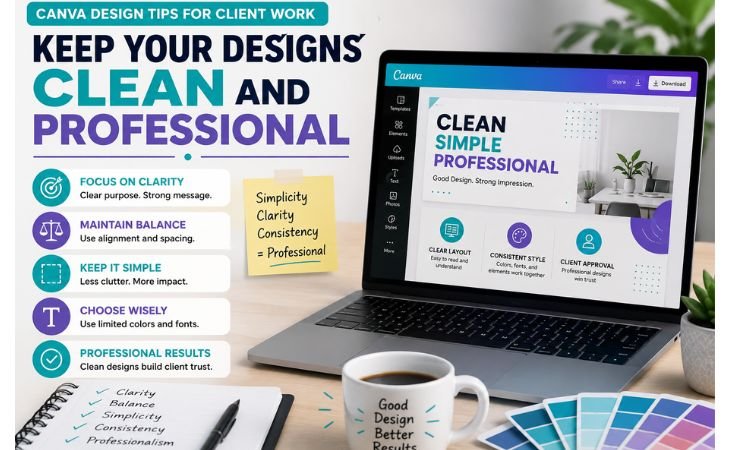
Canva Design Tips for Client Work should always focus on clarity, balance, and professionalism.
A good client design does not need too many colors, fonts, images, or decorative elements. Instead, every element should have a clear purpose and support the main message.
Clean designs are easier to understand, more attractive to the target audience, and more likely to receive client approval.
Using enough white space, clear headings, and simple visual elements can make your work look polished and professional.
Choose Colors, Fonts, and Layout Carefully
Colors, fonts, and layout can completely change how a design looks and feels.
Choose colors that match the client’s brand identity and create the right mood for the audience.
Use one or two easy-to-read fonts and maintain a clear visual hierarchy between headings, subheadings, and body text.
Keep the layout balanced by aligning elements properly and leaving enough space around the content.
Careful design choices improve readability, strengthen brand consistency, and help you create professional Canva designs that communicate the client’s message clearly.
Use Brand Consistency
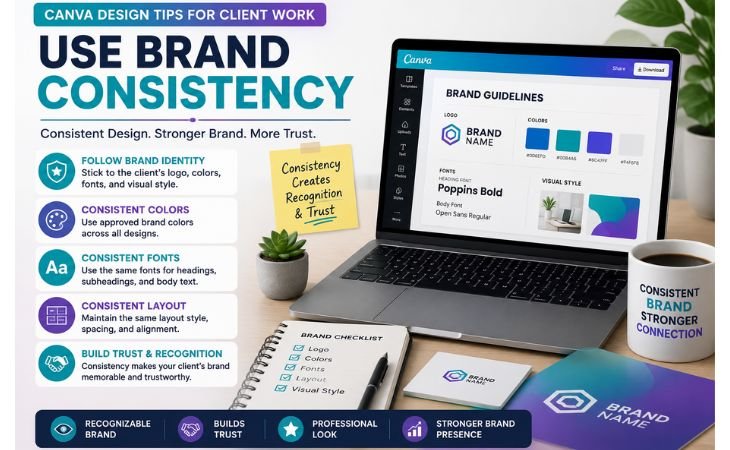
Canva Design Tips for Client Work should always follow the client’s brand identity.
Every business wants its designs to look consistent across social media, websites, presentations, and marketing materials.
Using the same visual style helps people recognize the brand and builds trust over time.
When every design follows the brand guidelines, your work looks more professional and creates a stronger connection with the target audience.
Logos, Colors, Fonts, and Visual Identity
Before you start designing, make sure you have the client’s logo, brand colors, fonts, and visual identity guidelines.
Use these elements consistently in every project instead of choosing random styles.
Keep the logo in the correct position, apply the official color palette, and use the same fonts throughout the design.
Consistent branding makes your Canva designs look polished, improves brand recognition, and helps clients present a professional image across all platforms.
Design for the Right Platform
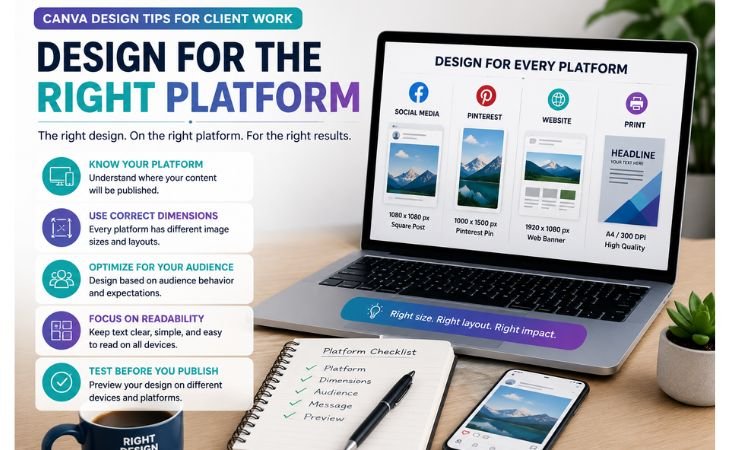
Canva Design Tips for Client Work include designing for the platform where the content will be published.
A design that looks perfect on one platform may not work well on another because every platform has different image sizes, layouts, and audience expectations.
Before starting any project, ask your client where the design will be used.
This helps you choose the correct dimensions, optimize the layout, and create content that performs well on its intended platform.
Social Media, Pinterest, Website, Print
Each platform requires a different design approach.
Social media posts should be eye-catching and easy to read while users are scrolling.
Pinterest designs work best with vertical layouts, clear titles, and high-quality images that encourage clicks.
Website graphics should load quickly, match the site’s branding, and provide a good user experience.
Print materials need high-resolution files, proper margins, and accurate colors to ensure professional printing.
Designing for the right platform improves visual quality, increases engagement, and delivers better results for your clients.
Communicate with Clients Professionally
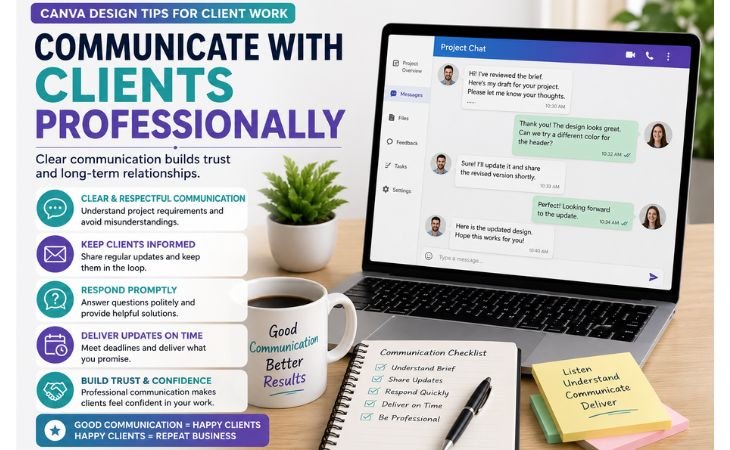
Canva Design Tips for Client Work are not only about creating beautiful designs but also about communicating professionally with your clients.
Clear and respectful communication helps you understand project requirements, avoid misunderstandings, and build long-term working relationships.
Keep your clients informed throughout the design process, respond politely to their questions, and always deliver updates on time.
Professional communication builds trust and makes clients more confident in your services.
Share Drafts, Accept Feedback, Make Revisions
Share your first design draft with the client before creating the final version.
Listen carefully to their feedback and treat every suggestion with a positive attitude. If revisions are needed, make them accurately and communicate the changes clearly.
Avoid arguing about personal design preferences because the final design should meet the client’s goals.
A professional approach to feedback and revisions improves client satisfaction, increases repeat business, and helps you build a strong reputation as a reliable Canva designer.
Common Canva Design Mistakes in Client Projectshttps://mytailor.blog/what-is-canva/
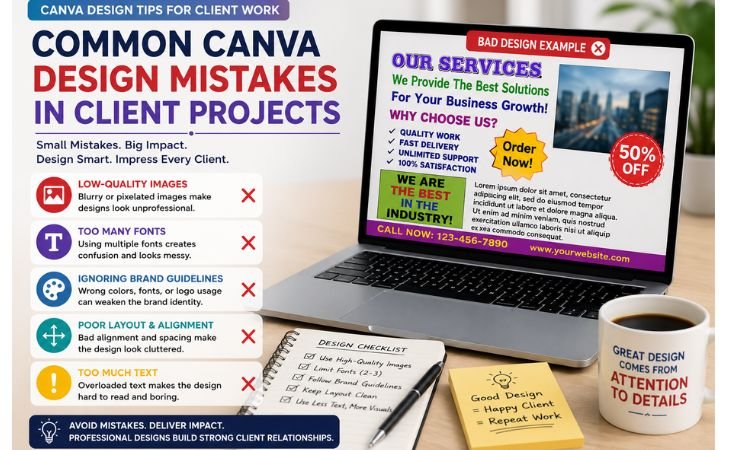
Canva Design Tips for Client Work also include learning what mistakes to avoid.
Even a creative design can fail if it ignores basic design principles or the client’s requirements.
Small mistakes can make a project look unprofessional and reduce client satisfaction.
By understanding these common design errors, you can create higher-quality work, improve your design skills, and build stronger relationships with your clients.
Low-quality Images, Too Many Fonts, Ignoring Brand Guidelines
Always use high-quality images that look sharp and professional.
Avoid stretching small images because they become blurry and reduce the overall quality of the design.
Use no more than two or three fonts to keep your design clean, readable, and visually consistent.
Most importantly, never ignore the client’s brand guidelines. Using the wrong logo, colors, or fonts can create an inconsistent brand image and disappoint the client.
Paying attention to these details helps you create professional Canva designs that build trust and deliver better results.
Final Thoughts
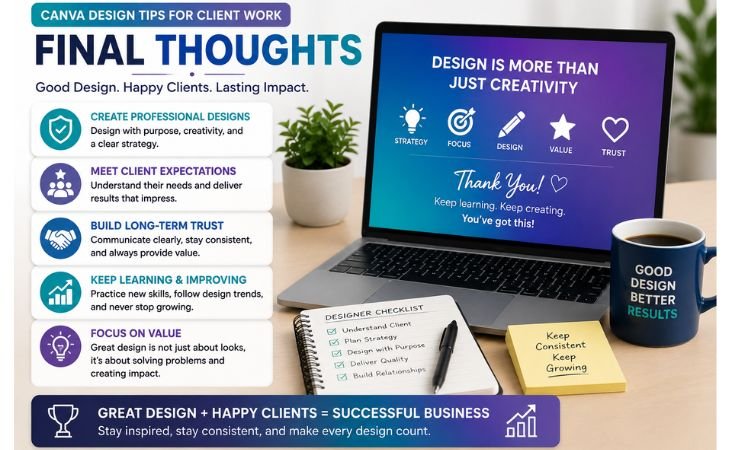
Canva Design Tips for Client Work can help you create designs that look professional, meet client expectations, and build long-term trust.
Great client work is not only about creativity, it also requires clear communication, consistent branding, the right design strategy, and attention to detail.
As you continue practicing these skills, you will become more confident, reduce unnecessary revisions, and deliver higher-quality Canva projects.
Keep learning, stay consistent, and always focus on providing value through your designs.
Frequently Asked Questions
1. Why are Canva design tips important for client work?
Canva design tips help you create professional designs, avoid common mistakes, and deliver work that matches your client’s goals and brand identity.
2. How many fonts should I use in a Canva design?
For most projects, using two or three complementary fonts creates a clean, readable, and professional design.
3. Why should I follow a client’s brand guidelines?
Brand guidelines keep every design consistent with the company’s logo, colors, fonts, and visual identity, helping build trust and brand recognition.
4. Should I share a draft before delivering the final design?
Yes. Sharing a draft allows clients to provide feedback early, reducing major revisions and ensuring the final design meets their expectations.
5. How can I improve my Canva client projects?
Practice regularly, use high-quality images, design for the correct platform, communicate professionally, and always follow the client’s branding requirements.
Get Professional Canva Design Services
Need professional Canva designs for your business?
Explore my Canva design services to create clean, modern, and professional visuals that represent your brand.
You can also continue learning by reading the next lesson in this Canva course and keep improving your design skills step by step.